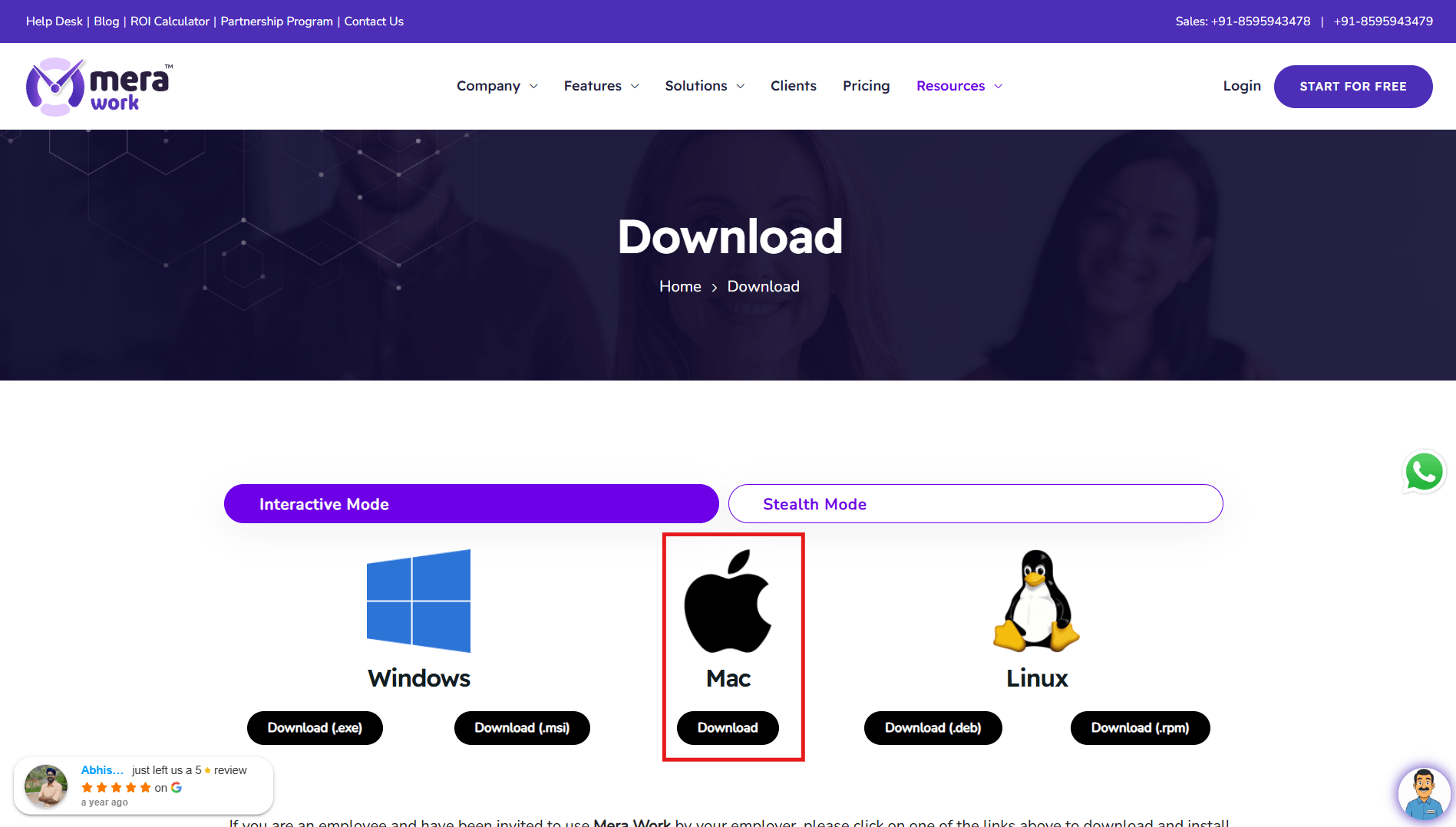
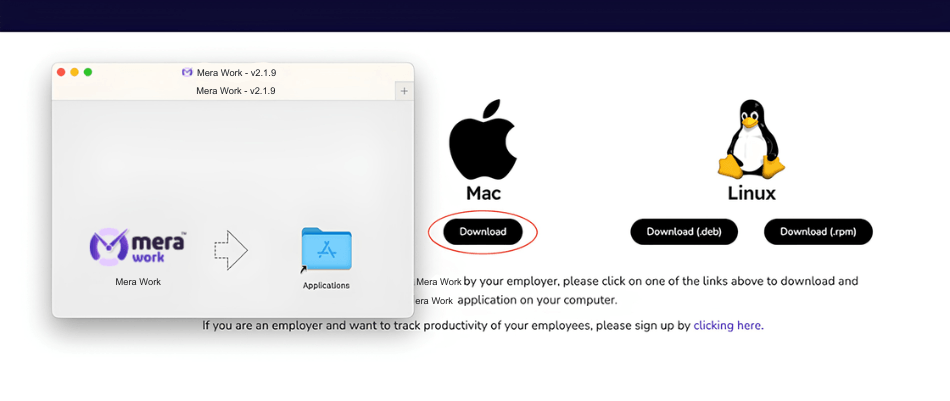
Double-click the setup file and drag the Mera Work app to the Applications folder to install it.
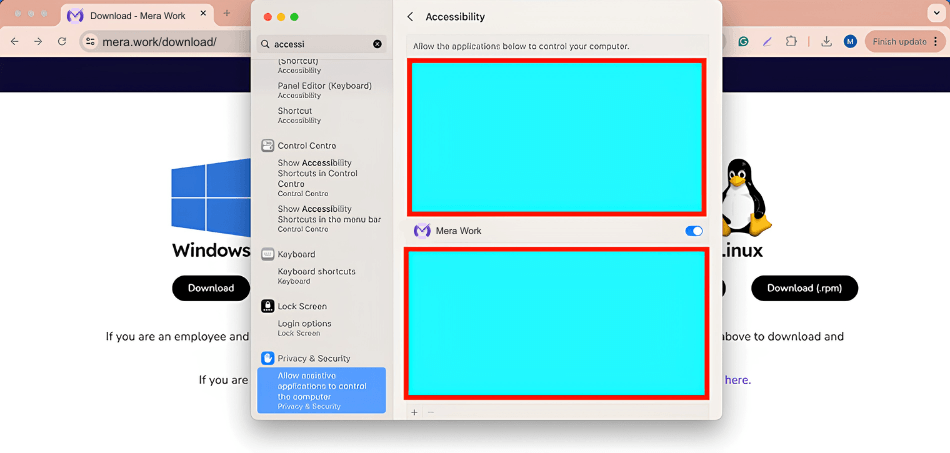
Provide permissions to allow the Mera Work application to track apps and websites.
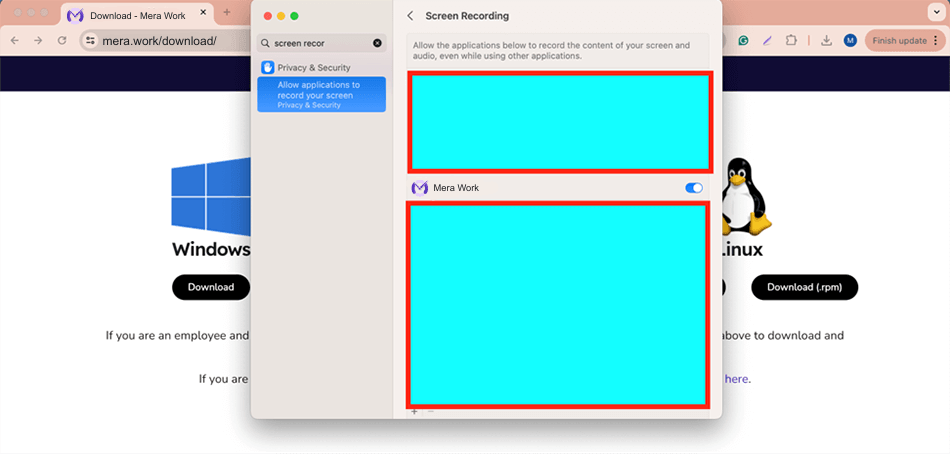
Allow the Mera Work application to record the screen for taking screenshots and using the live streaming feature.
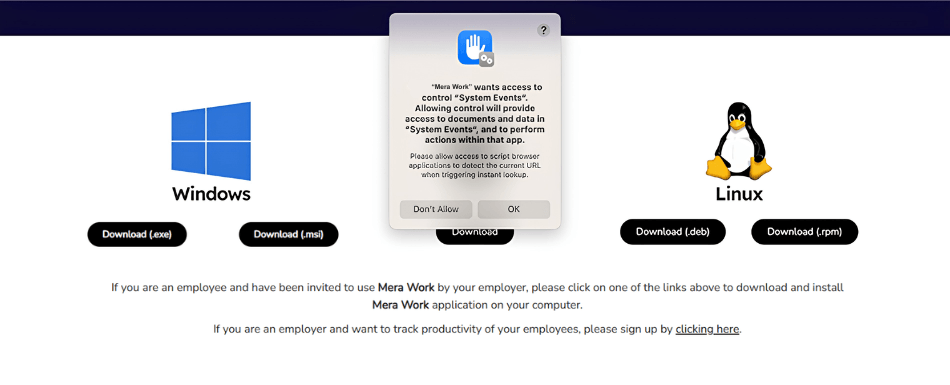
When any browser is used, the Mera Work application will ask for permission to track the URLs of visited websites.
After the permissions are set up, please start the Mera Work application, and it will begin tracking automatically.
Thank you for registering for our upcoming webinar on Vryno/Mera Work. We’re excited to have you join us and look forward to sharing valuable insights and best practices to enhance your productivity.
Stay tuned for more details, and we’ll see you at the webinar!
Mera Monitor is a powerful and efficient employee tracking app that ensures seamless monitoring and productivity management. With its intuitive interface, real-time tracking, and robust features, it enhances transparency and efficiency.
This tool helps organizations monitor their employees effectively. It helps them to improve productivity and efficiency. The tool is pretty cool because it's got real-time monitoring features, like screen capture, live recording and live streaming with multiple Reports.
Its designed to enhance workplace productivity and efficiency. The tool offers real-time monitoring capabilities, including live streaming and screen capturing, which have been highlighted as unique features.